
Download PCem – Classic Computer Emulator, Retro Software, Vintage Tech
Overview
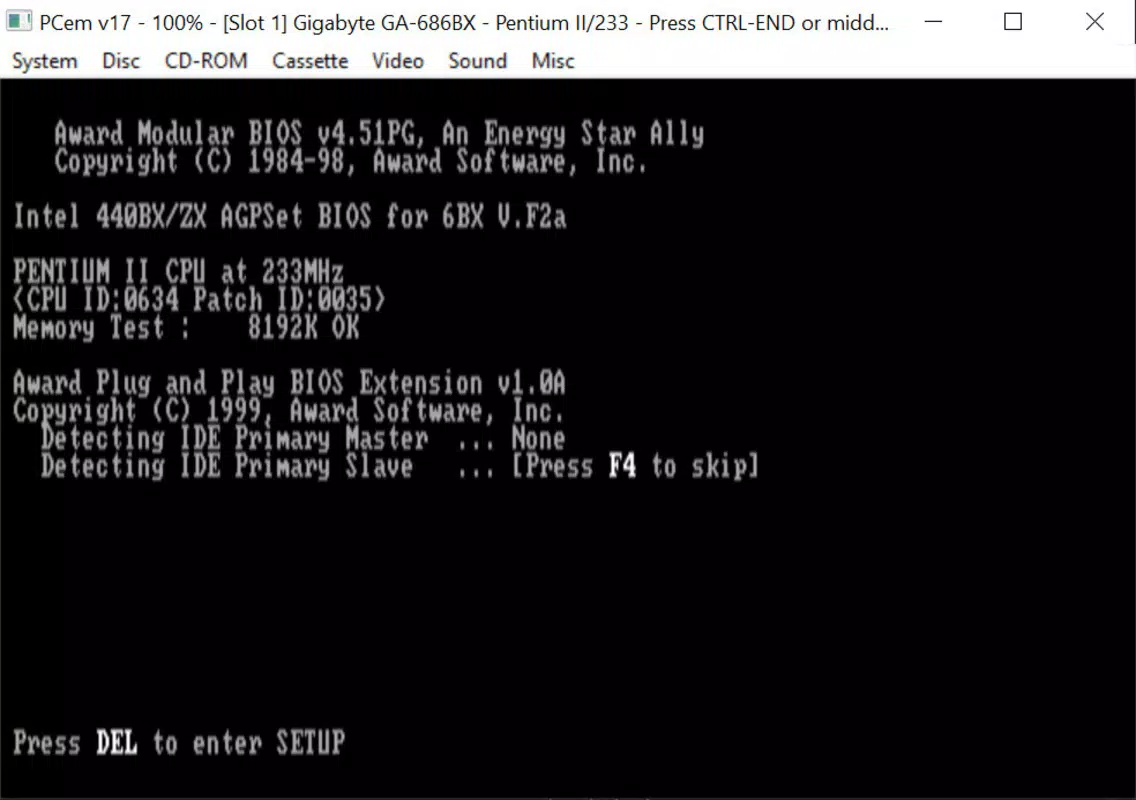
PCem is a specialized mobile application designed for enthusiasts seeking to experience classic computing environments from the 1980s and 1990s. It functions as a high-fidelity emulator capable of replicating the hardware and software ecosystems of vintage personal computers. The app enables users to run historical operating systems and legacy software by emulating a wide range of obsolete hardware configurations. Its primary purpose is to preserve and provide access to computing history, allowing users to explore early digital experiences in a virtualized setting.
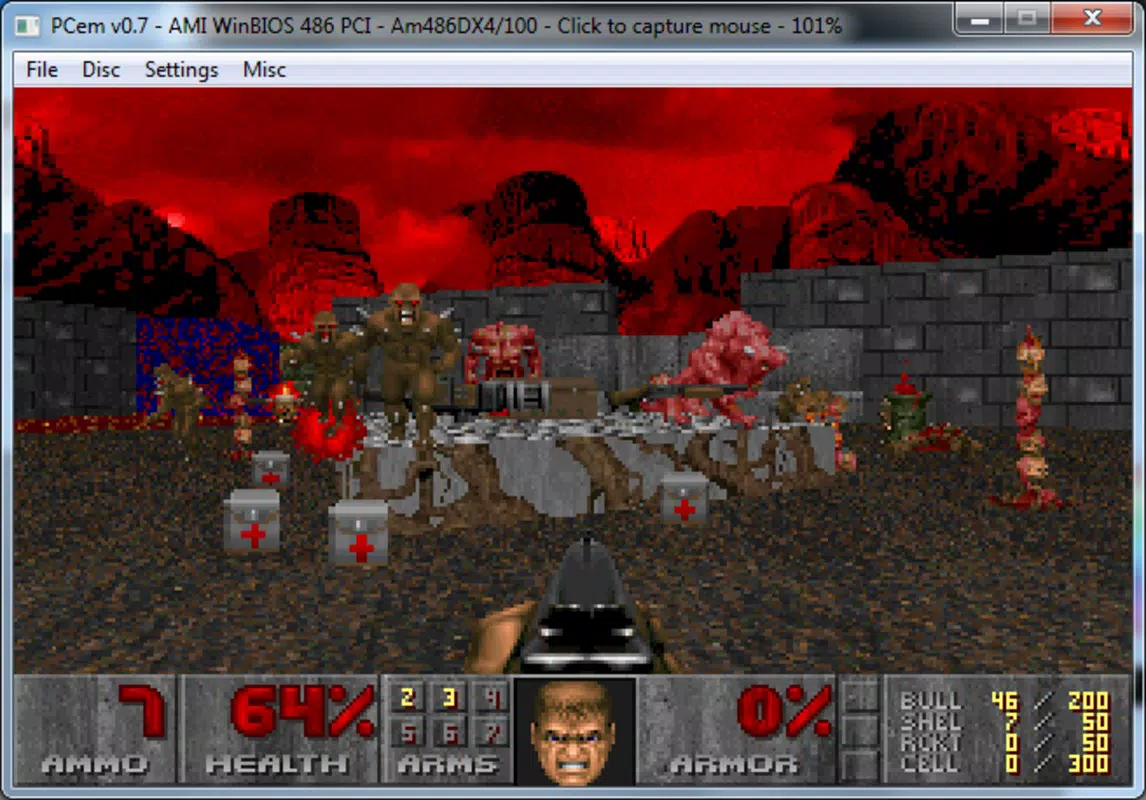
Target users include retro computing hobbyists, digital archivists, educators, and developers interested in historical software development. The app serves as a tool for nostalgia, education, and technical exploration. While the developer did not provide detailed background information, PCem has established itself as a respected utility within niche retro computing communities. Real-world use cases include studying early operating systems like MS-DOS, running classic games such as Doom or SimCity, and demonstrating how computing evolved over decades.
Within the broader app ecosystem, PCem fills a unique gap by offering deep hardware-level emulation, a feature often absent in mainstream mobile apps. It is not intended for casual gaming or productivity but rather for those with a technical interest in computing history. The app’s focus on authenticity and configurability sets it apart from simpler emulators that prioritize ease of use over fidelity.
Key Features & Functionality
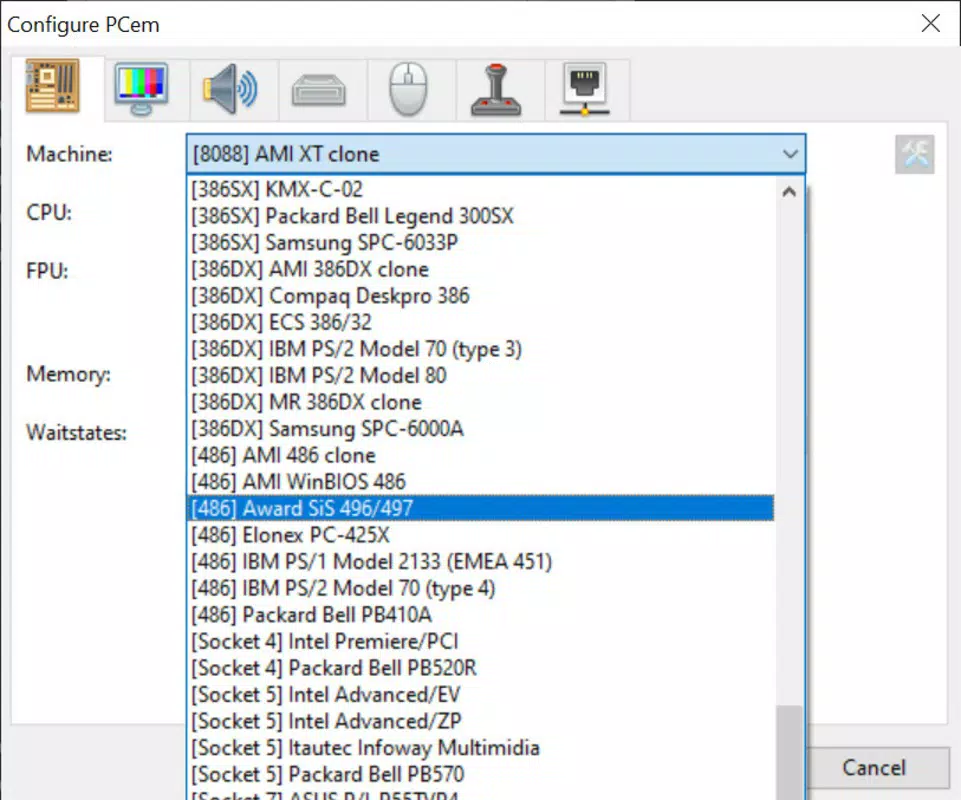
- Wide Compatibility with Classic Systems – PCem supports emulation of numerous 80s and 90s-era computers, including IBM PC compatibles, Apple II, Amiga, and other historical platforms. This breadth allows users to explore diverse computing architectures within a single application.
- User-Provided ROMs Required – The app does not include ROMs or system images. Users must obtain these independently, which ensures compliance with copyright laws while enabling access to authentic software libraries.
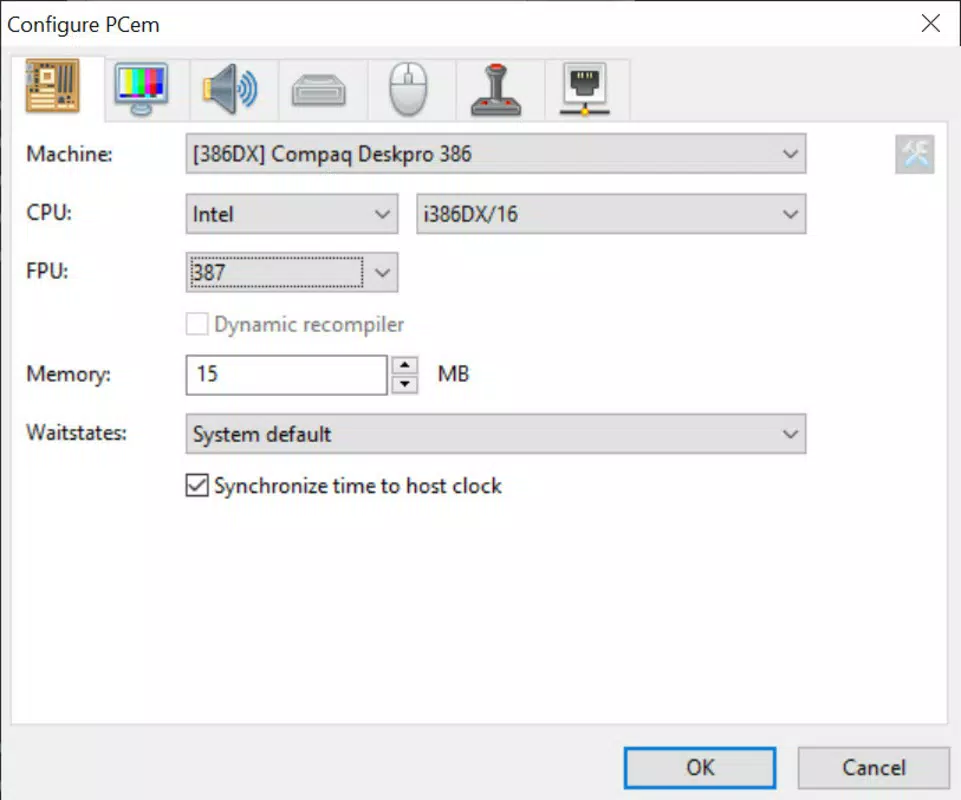
- Advanced Customization Options – Users can configure processor speed, RAM size, graphics card type, sound hardware, and peripheral devices. This level of control allows for precise replication of original hardware setups or experimentation with modified configurations.
- Operating System Installation Support – After setting up ROMs, users can install legacy operating systems such as MS-DOS, Windows 3.1, or early Linux distributions, creating a fully functional vintage computing environment.
- Legacy Software and Game Execution – Once configured, the emulator can run a wide range of period-specific applications and games, making it ideal for retro software preservation and gameplay.
For example, a user interested in early computer education might set up a PCem environment with an 8088 processor, 640KB RAM, and MS-DOS 5.0 to run old programming tutorials or educational software. Similarly, a retro gamer could emulate a 486-based system with VGA graphics to play classic titles like Warcraft or Duke Nukem 3D.
Interface, UX & Performance
The user interface of PCem is designed with functionality over aesthetics, reflecting its target audience of technical users and retro computing enthusiasts. The layout is minimalistic, focusing on configuration panels, system settings, and emulator controls rather than visual flair. Navigation is linear and structured, with menus organized by hardware components and system parameters.
Users are expected to have prior knowledge of vintage computing to make full use of the app. While the developer did not list formal performance metrics, the app is optimized for modern mobile hardware, suggesting it runs efficiently on devices with sufficient processing power and memory. Responsiveness varies depending on the complexity of the emulated system and the user’s device capabilities.
Stability is maintained through careful hardware abstraction, but performance may degrade when emulating high-end systems from the 1990s. The app does not include automatic optimization features, requiring manual tuning for best results. Although the developer did not specify compatibility with older devices, it is likely suited for mid-to-high-end smartphones and tablets with capable processors.
Platform Compatibility & Technical Requirements
PCem is available on Android, with the latest version released on May 12, 2022. The app’s file size is not specified in the provided data, but given its emulation capabilities, it likely requires a significant amount of storage space for ROMs and system images. The developer did not list minimum OS requirements or device specifications.
Compatibility information was not fully disclosed. Users should ensure their device supports ARM-based emulation and has sufficient RAM and processing power to handle complex system emulation. The app may not run smoothly on older or low-end Android devices. Specific requirements were not listed, so users are advised to test the app on their hardware before committing to a full setup.
Pros and Cons
Pros
- High-fidelity emulation of classic computer systems from the 80s and 90s
- Extensive customization options for hardware and software configuration
- Supports a wide variety of vintage operating systems and software
- Encourages user responsibility and legal compliance through user-provided ROMs
- Valuable tool for retro computing education and preservation
Cons
- Requires users to source ROMs independently, which may be challenging for beginners
- Minimal user interface; not intuitive for casual users
- Performance may vary significantly based on device capabilities
- No built-in tutorials or guided setup for new users
- Technical knowledge required to configure and optimize the emulator
FAQ
Is PCem free to download and use?
Yes, PCem is available for free. However, users must provide their own ROMs and system images, which may be subject to copyright restrictions.
Can I install PCem on iOS devices?
Based on the provided information, PCem is currently available on Android. Platform availability for iOS was not confirmed.
Do I need to own the original software to use PCem?
While the app does not include ROMs, users should only use software they legally own or have permission to run. The emulator itself is a tool for preservation and personal use.
What kind of devices can run PCem?
PCem is designed for Android devices with sufficient processing power and memory. The developer did not specify minimum requirements, so performance may vary across devices.
How do I update PCem?
Updates are typically released through the official distribution channel. Users should check for new versions regularly to ensure access to the latest features and stability improvements.
Final Thoughts
PCem stands as a powerful and authentic tool for anyone passionate about vintage computing. Its ability to emulate a broad range of classic systems with deep customization makes it a standout choice in the retro emulation space. While it demands technical knowledge and user-provided content, it offers unmatched fidelity and educational value.
It is best suited for advanced users, educators, and digital historians who value accuracy and historical context. For those seeking to relive the era of early personal computing, PCem delivers a genuine experience that few other tools can match. The combination of flexibility, authenticity, and preservation focus positions it as a must-have utility for retro tech enthusiasts.
Download PCem now


